
If you’re comparing AppMySite alternatives, you’re likely past the “can I build an app?” phase.
Now you’re asking better questions:
Can this scale with my business?
Who handles publishing, updates, and fixes?
What happens when plugins break?
Will this still work after the first launch?
AppMySite is a well-known WordPress mobile app builder, but it’s not the right fit for everyone — especially WooCommerce stores that rely on real-world complexity.
In this guide, we’ll compare ShopApper vs AppMySite using:
AppMySite’s own feature breakdown
Real usage scenarios
Pricing realities
Support & long-term maintenance differences
If you’re searching for a serious AppMySite alternative, this guide is for you.
| Category | ShopApper | AppMySite |
|---|---|---|
| Approach | Full-service (done-for-you) | DIY app builder |
| Setup & publishing | Handled by experts | Mostly manual |
| WooCommerce complexity | Fully supported | Limited |
| Push notifications | Advanced & included | Mostly Premium-only |
| White-label apps | Included | Paid / limited |
| Ongoing support | Included | Plan-based |
| Best for | Growing businesses | DIY users |
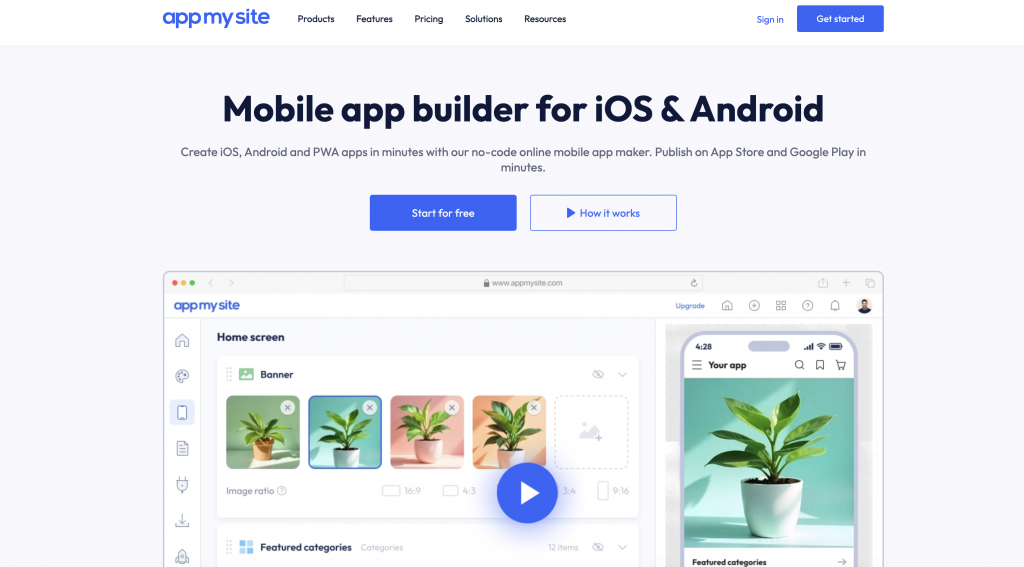
AppMySite offers a no-code way to convert websites into apps, and for many basic use cases, it works.
Based on their comparison table, AppMySite provides:
Android app builds on all plans
iOS apps on higher plans
Unlimited users & page views
Firebase-based push notifications
Multiple Android app stores (Huawei, Samsung, Xiaomi, etc.)
Basic personalization (icons, splash screens)
For simple web-to-app wrappers, AppMySite can be a reasonable starting point.
But the table also reveals important limitations.
ShopApper approaches mobile app creation from a different angle than traditional no-code builders. Instead of focusing on dashboards, templates, or self-managed configuration, it positions itself as a full-service mobile app solution for WordPress and WooCommerce websites.
This distinction shapes how the platform is used, who it’s best suited for, and where it tends to perform particularly well.
Below are the areas where ShopApper’s approach stands out in practice.
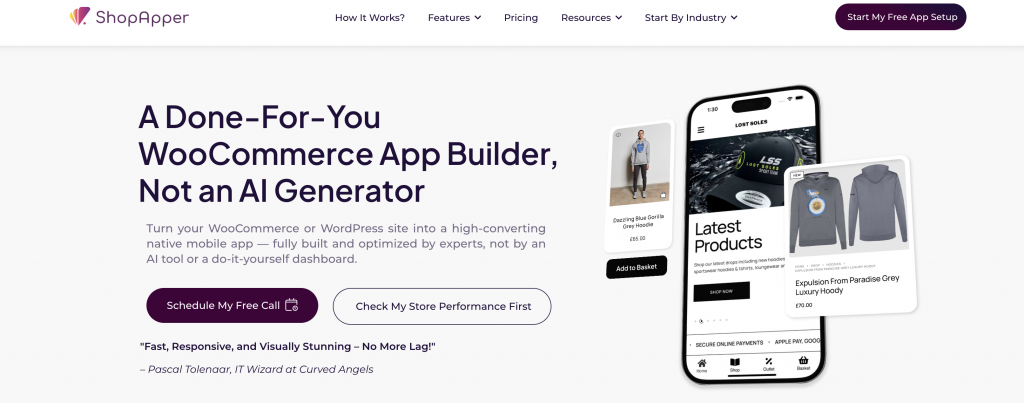
One of ShopApper’s core strengths is that the app is built for you, rather than by you.
Instead of requiring users to:
configure layouts,
troubleshoot plugin conflicts,
or manage app logic manually,
ShopApper assigns these responsibilities to a dedicated team.
This model is especially effective for:
store owners without technical backgrounds,
teams with limited development resources,
businesses that want predictable outcomes rather than experimentation.
The result is an app that mirrors the existing website’s structure and logic, without requiring the owner to learn a new system or workflow.
WooCommerce stores are rarely “standard” in real life.
Many rely on:
subscriptions,
memberships,
wholesale pricing,
custom checkout rules,
or third-party extensions.
ShopApper’s workflow is built around reviewing the existing WooCommerce setup first, then adapting the app accordingly. This reduces the need to simplify store logic just to make the app work.
For businesses with more complex WooCommerce configurations, this review-first approach often leads to:
fewer functional compromises,
better checkout consistency,
and smoother customer experiences post-launch.
ShopApper includes both iOS and Android apps as standard, rather than unlocking platforms based on plan level.
From a planning perspective, this offers clarity:
no decision-making around platform availability,
no feature gating between operating systems,
and no separate evaluations for Android vs iOS users.
For businesses that want equal reach across mobile platforms — especially in regions where iOS users represent higher-value customers — this simplifies the rollout process.
App store publishing is often underestimated until businesses experience it firsthand.
Each platform has:
review guidelines,
technical requirements,
and evolving policies.
ShopApper includes publishing assistance as part of the service, covering:
app store submission preparation,
compliance checks,
rejection handling,
and resubmissions when needed.
This reduces friction for first-time app owners and lowers the risk of launch delays caused by unfamiliarity with store requirements.
Push notifications are not just a broadcast tool — they’re most effective when tied to user behavior.
ShopApper emphasizes:
segmented notifications,
behavior-based messaging,
and media-rich notifications as part of the core experience.
This approach works particularly well for:
stores focused on repeat purchases,
time-sensitive promotions,
and customer retention strategies.
Rather than treating push notifications as an add-on, ShopApper integrates them into the overall mobile strategy from the beginning.
Mobile apps don’t stop evolving after launch.
Operating system updates, store guideline changes, and plugin updates all require attention over time. ShopApper positions ongoing maintenance and support as a continuation of the service, not a separate phase.
This model is well suited for businesses that:
want stability over time,
prefer consistent support access,
and don’t want to manage technical upkeep internally.
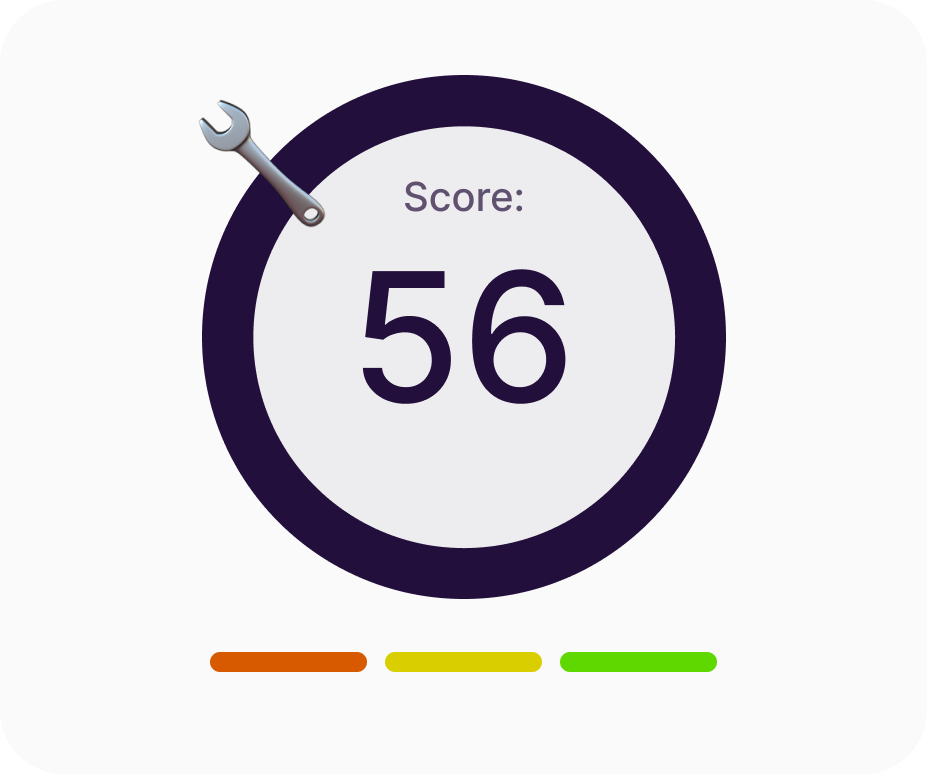
Answer a few quick questions and get a custom report on your app potential, missed opportunities, and where to level up.
AppMySite offers a broad feature set on paper, and for many WordPress users, it can be a practical way to turn a website into a mobile app. However, as with any platform, its structure and pricing model make it more suitable for certain use cases than others.
This is often the point where store owners, agencies, or growing businesses begin researching AppMySite alternatives — not because AppMySite is inadequate, but because their operational needs, scale, or internal resources have changed.
Platforms like ShopApper, which follow a full-service model rather than a DIY builder approach, tend to be evaluated at this stage for comparison.
Below are some areas where the differences between AppMySite and managed alternatives such as ShopApper become more noticeable in real-world usage.
One of the first practical considerations is iOS app availability.
According to AppMySite’s own plan comparison:
Android apps are available across plans
iOS apps are unlocked only on higher-tier plans
For many businesses, especially eCommerce stores, iOS users represent a significant portion of high-value customers. AppMySite does support iOS, but access is tied to specific pricing tiers.
By contrast, some AppMySite alternatives — including ShopApper — include both Android and iOS apps by default, regardless of plan level. This can simplify planning for businesses that want consistent platform coverage without evaluating feature unlocks per tier.
This distinction often matters for:
Small businesses with limited budget flexibility
Agencies managing multiple client apps
Brands operating in regions with strong iOS adoption
Another common consideration is App Store and Google Play publishing.
With AppMySite:
App builds are generated through the platform
Store submission steps are largely handled by the user
Automated publishing is available only on higher plans
For users familiar with Apple and Google publishing processes, this may be manageable. However, app store guidelines, rejection feedback, and resubmissions can be time-consuming — especially for first-time app owners.
Managed alternatives such as ShopApper take a different approach by handling:
App store compliance checks
Metadata preparation
Screenshot requirements
Rejection fixes and resubmissions
This model appeals to business owners who prefer to avoid operational overhead and focus on running their store rather than learning app store processes.
Push notifications are often a primary reason businesses invest in mobile apps.
AppMySite supports push notifications using:
Firebase for basic notifications
OneSignal for advanced notification features (available on Premium plans)
Basic push notifications are sufficient for announcements or simple updates. However, more advanced use cases — such as user segmentation, behavioral targeting, or lifecycle messaging — depend on plan level and configuration.
In comparison, platforms like ShopApper place more emphasis on:
Segmented push notifications as a standard feature
Rich notifications with images and deep links
Automated notification flows based on store activity
For businesses that rely heavily on repeat purchases and promotions, these differences directly affect long-term engagement strategy.
Perhaps the most important distinction is not a specific feature, but the overall workflow philosophy.
AppMySite is designed as a do-it-yourself app builder:
Users configure the app themselves
Layouts, logic, and testing are user-managed
Troubleshooting is largely self-directed
This approach works well for:
Technically comfortable users
Developers or agencies with in-house resources
Simple WordPress or WooCommerce setups
By contrast, managed platforms such as ShopApper follow a done-for-you model, where:
App structure is reviewed by specialists
WooCommerce plugins are tested for compatibility
UX and performance are optimized as part of setup
Support continues after launch
This difference in responsibility is one of the most common reasons businesses start comparing AppMySite alternatives.
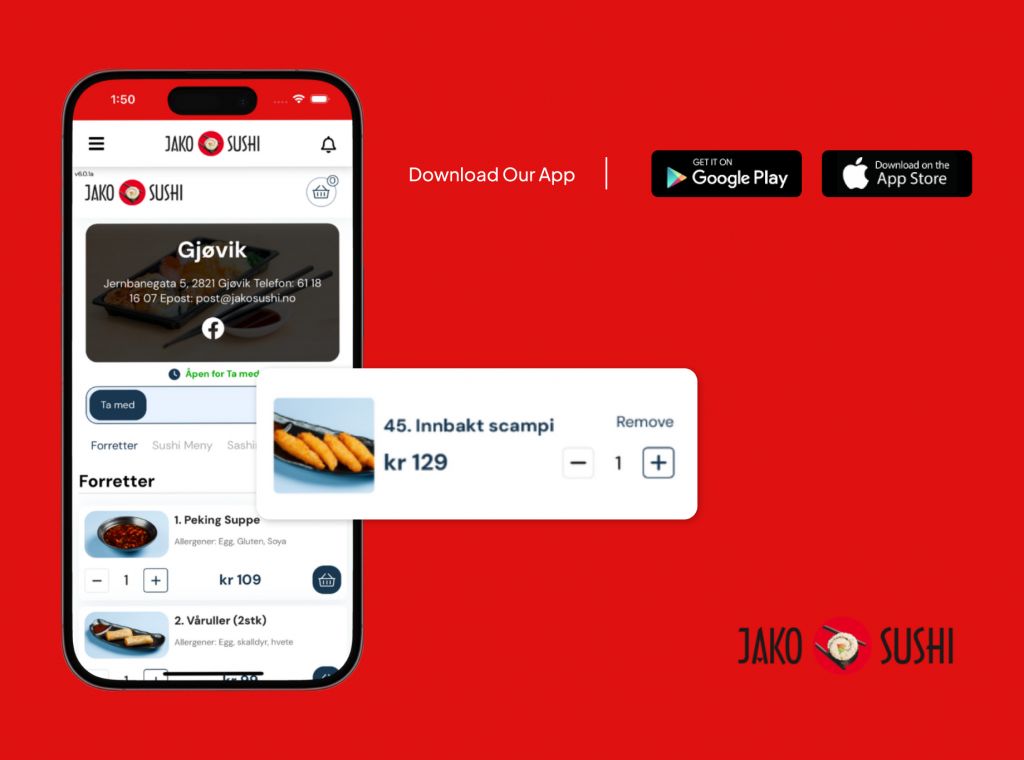
Jako Sushi launched their mobile app with integrated push notifications for reorders, lunch specials, loyalty-style reminders, and new menu launches.
Instead of an email blast, they used a push campaign: “It’s 11:45 am — your usual drink is waiting for you. Order now.”
Result: 32% of all orders were from the app; repeat purchase rate increased; ROI hit 1220%.
Email campaigns ran in parallel but did not match the immediacy, open rate or conversion rate of push.
AppMySite Workflow (DIY)
Connect plugin
Choose app type
Configure settings
Customize layouts
Test builds
Handle store accounts
Publish manually
Fix issues later
This works if:
You have time
You’re technical
Your store is simple
ShopApper Workflow (Done-For-You)
15-minute demo call
Store & plugin review
App built for your setup
Push notifications configured
Publishing handled
Ongoing improvements
No dashboards to learn.
No templates to fight.
AppMySite may be a good fit if:
You want a DIY builder
Your store is simple
You enjoy configuring apps
You don’t mind manual publishing
You’re cost-first, time-second
ShopApper is the better AppMySite alternative if:
You want a real mobile app, not a wrapper
You use WooCommerce plugins heavily
You value time over dashboards
You want help after launch
You don’t want App Store headaches
“We love the idea of push notifications. They really enhance the shopping experience on mobile and set it apart from website browsing.”
– Eren Yazzie, Blazy Susan
– Pascal Tolenaar, Curved Angels
“Our old app was slow. Now it’s responsive, fast, and visually appealing.”
“The main reason we chose you is the speed. We send out a push and see orders start pouring in within minutes.”
Jamie Jackson, Capital Carp Competitions
AppMySite is a tool.
ShopApper is a service.
If you want to build an app yourself, AppMySite can work.
If you want an app that actually works long-term, ShopApper is the stronger AppMySite alternative.
Features
Start By Industry



I’m Ece, your Account Manager. I’m eager to learn about your business and assist you in achieving your goals.
Please share some info about your business so I can be fully prepared to answer your queries. I’ll reply within 15-20 minutes. Thanks! 